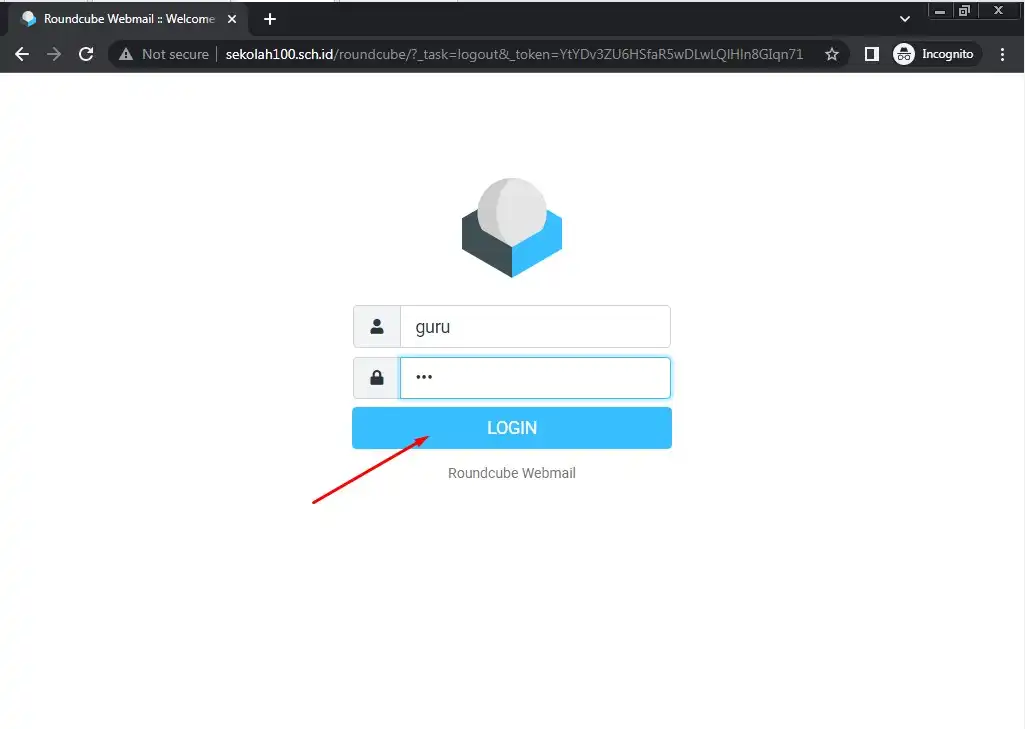
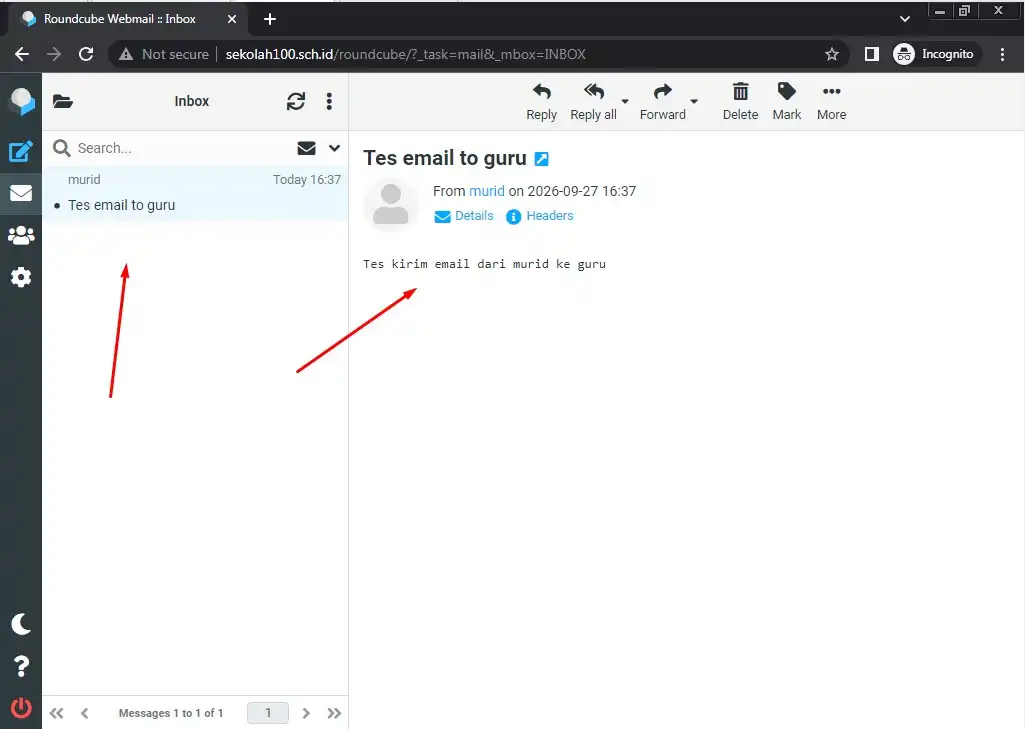
Mail Server adalah sebuah sistem komputer atau aplikasi yang berfungsi sebagai kantor pos digital. Tugas utamanya adalah menerima, memproses, menyaring, menyimpan, dan meneruskan surat elektronik (email) dari satu pengguna ke pengguna lainnya.
Sama seperti pengiriman surat fisik yang membutuhkan kantor pos, perangko, dan tukang pos, mail server bekerja menggunakan kombinasi perangkat lunak dan protokol standar internet berikut ini:
Komponen Utama Mail Server
Sebuah mail server yang lengkap umumnya terdiri dari tiga komponen utama:
- MTA (Mail Transfer Agent): Bertindak sebagai “pesawat pengirim” atau jaringan antar kantor pos. MTA bertugas mengirimkan email dari server asal ke server tujuan menggunakan protokol SMTP. Contoh aplikasinya: Postfix, Exim, atau Sendmail.
- MDA (Mail Delivery Agent): Bertindak sebagai “tukang pos” yang menerima email dari MTA dan memasukkannya ke dalam kotak surat (mailbox) masing-masing pengguna di dalam server. Contoh aplikasinya: Dovecot atau Procmail.
- MUA (Mail User Agent): Perangkat lunak atau aplikasi yang digunakan oleh Anda (pengguna) untuk membaca dan menulis email. Contohnya: Outlook, Thunderbird, atau aplikasi webmail seperti Roundcube dan Gmail.
Protokol Standar yang Digunakan
Mail server mengandalkan tiga protokol utama untuk berkomunikasi:
- SMTP (Simple Mail Transfer Protocol): Protokol khusus yang digunakan untuk mengirim email dari perangkat Anda ke server, atau antar server mail di internet.
- IMAP (Internet Message Access Protocol): Protokol untuk membaca email di mana pesan tetap tersimpan di server. Perubahan yang Anda lakukan (seperti menghapus atau menandai pesan) akan langsung tersinkronisasi di semua perangkat Anda.
- POP3 (Post Office Protocol version 3): Protokol untuk membaca email dengan cara mengunduh seluruh pesan dari server ke perangkat lokal Anda. Setelah diunduh, pesan di server biasanya akan dihapus.
Cara Kerja Singkat Pengiriman Email
Mail server mengandalkan tiga protokol utama untuk berkomunikasi:
- Pengiriman: Anda menulis email di MUA (misal: Thunderbird) dan menekan tombol Send. Perangkat Anda mengirimkannya ke MTA Anda menggunakan protokol SMTP.
- Pencarian Rute: MTA Anda akan melihat alamat domain tujuan (misalnya: @gmail.com) dan bertanya kepada server DNS (Domain Name System) untuk mencari tahu alamat IP server mail tujuan melalui catatan khusus yang disebut MX Record (Mail Exchanger).
- Transfer: Setelah alamat IP ditemukan, MTA Anda mengirimkan email tersebut ke MTA tujuan via SMTP.
- Penyimpanan: MTA tujuan menerima email tersebut dan menyerahkannya ke MDA untuk disimpan di dalam folder mailbox penerima.
- Pengambilan: Penerima membuka aplikasinya dan mengambil email tersebut menggunakan protokol IMAP atau POP3.
Instalasi Mail Server
Berikut adalah panduan cara menginstal Mail Server di Debian 13 (Trixie).
Sebelum memulai, silahkan buka terminal, login menggunakan user root lalu perbarui indeks paket sistem ke versi yang terbaru:
Langkah 1: Update System Repository
root@ns100:/# apt update && apt upgrade -y
Langkah 2: Membuat user
root@ns100:/# adduser guru
New password: 123
Retype new password: 123
passwd: password updated successfully
Changing the user information for guru
Enter the new value, or press ENTER for the default
        Full Name []: [ENTER]
        Room Number []: [ENTER]
        Work Phone []: [ENTER]
        Home Phone []: [ENTER]
        Other []: [ENTER]
Is the information correct? [Y/n] [ENTER]
root@ns100:/# adduser murid
New password: 123
Retype new password: 123
passwd: password updated successfully
Changing the user information for guru
Enter the new value, or press ENTER for the default
        Full Name []: [ENTER]
        Room Number []: [ENTER]
        Work Phone []: [ENTER]
        Home Phone []: [ENTER]
        Other []: [ENTER]
Is the information correct? [Y/n] [ENTER]
Langkah 3: Instal paket mail server
root@ns100:/# apt install -y postfix dovecot-core dovecot-imapd roundcube roundcube-core

Installing:
  dovecot-core  dovecot-imapd  postfix  roundcube  roundcube-core

Installing dependencies:
  aspell                      libglib2.0-data          libunwind8               php-net-smtp
  aspell-en                   libhunspell-1.7-0        node-jquery              php-net-socket
  dovecot-sieve               libjs-bootstrap          php-auth-sasl            php-pear
  enchant-2                   libjs-bootstrap4         php-enchant              php-psr-http-client
  fonts-glyphicons-halflings  libjs-jquery-minicolors  php-guzzlehttp-guzzle    php8.4-enchant
  hunspell-en-us              libjs-jstimezonedetect   php-guzzlehttp-promises  php8.4-intl
  libaspell15                 libjs-popper.js          php-guzzlehttp-psr7      roundcube-mysql
  libenchant-2-2              libjs-sizzle             php-intl                 roundcube-skin-classic
  libexttextcat-2.0-0         libnsl2                  php-mail-mime            roundcube-skin-larry
  libexttextcat-data          libstemmer0d             php-masterminds-html5    shared-mime-info
  libglib2.0-0t64             libtlsrpt0               php-net-sieve            xdg-user-dirs

Suggested packages:
  aspell-doc            openoffice.org-hunspell        procmail
  spellutils            | openoffice.org-core          resolvconf
  dovecot-flatcurve     libenchant-2-voikko            roundcube-plugins
  dovecot-gssapi        low-memory-monitor             roundcube-plugin-authres-status
  dovecot-ldap          php-laminas-httphandlerrunner  roundcube-plugin-contextmenu
  dovecot-lmtpd         mail-reader                    roundcube-plugin-html5-notifier
  dovecot-managesieved  postfix-cdb                    roundcube-plugin-keyboard-shortcuts
  dovecot-mysql         postfix-doc                    roundcube-plugin-listcommands
  dovecot-pgsql         postfix-ldap                   roundcube-plugin-message-highlight
  dovecot-pop3d         postfix-lmdb                   roundcube-plugin-sauserprefs
  dovecot-solr          postfix-mta-sts-resolver       roundcube-plugin-thunderbird-labels
  dovecot-sqlite        postfix-mongodb                php-crypt-gpg
  dovecot-submissiond   postfix-mysql                  php-bacon-qr-code
  ntp                   postfix-pcre                   php-roundcube-rtf-html-php
  ufw                   postfix-pgsql                  php-net-ldap3
  hunspell              postfix-sqlite                 php-bjeavons-zxcvbn-php

Summary:
  Upgrading: 0, Installing: 49, Removing: 0, Not Upgrading: 0
  Download size: 17.9 MB
  Space needed: 80.0 MB / 16.5 GB available

Get:1 http://10.10.129.20/debian trixie/main amd64 dovecot-sieve amd64 1:2.4.1+dfsg1-6+deb13u6 [382 kB]
Get:2 http://10.10.129.20/debian trixie/main amd64 libexttextcat-data all 3.4.7-1 [176 kB]
...
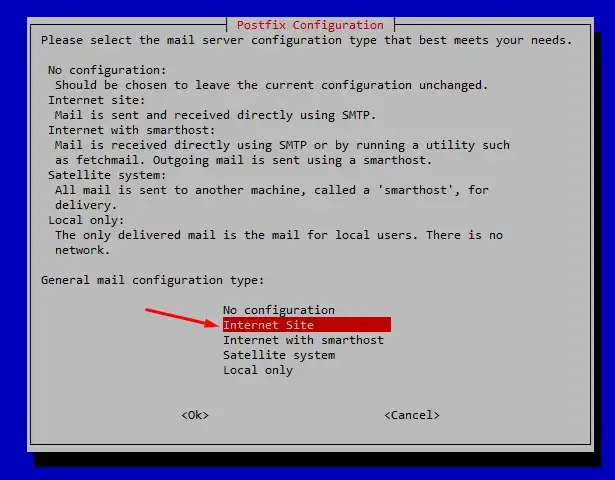
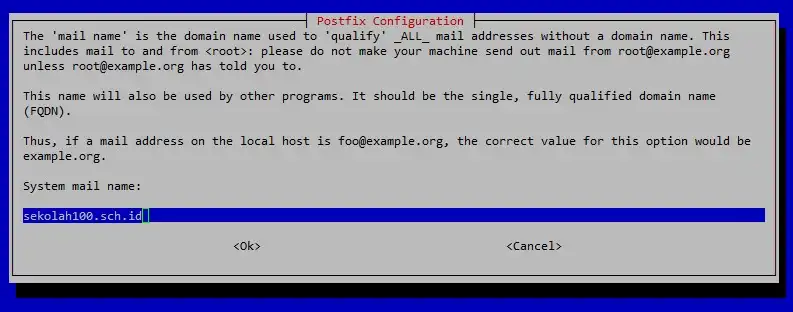
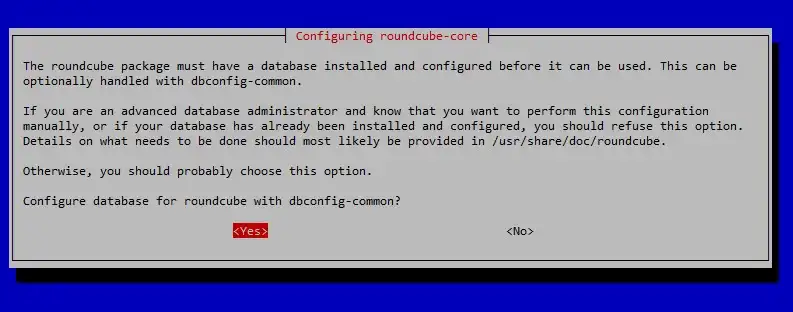
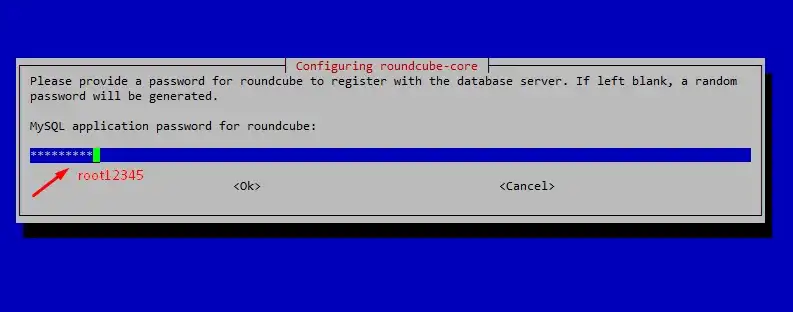
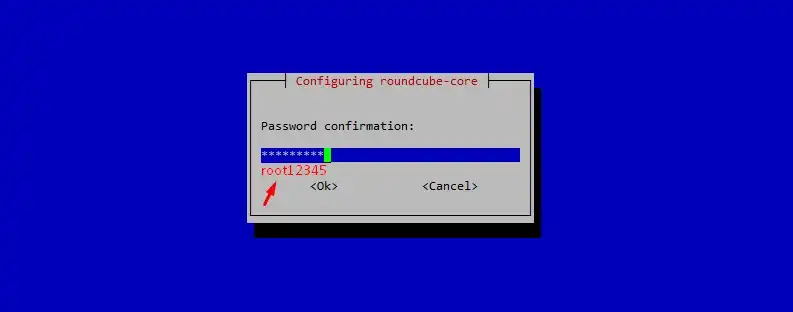
Langkah 4: Seting Host
root@ns100:/# nano /etc/hosts

127.0.0.1       localhost
#172.16.55.1    debian.debian.org       debian
172.16.100.1    ns100.sekolah100.sch.id ns100

# The following lines are desirable for IPv6 capable hosts
::1     localhost ip6-localhost ip6-loopback
ff02::1 ip6-allnodes
ff02::2 ip6-allrouters
172.16.100.1 sekolah100.sch.id mail.sekolah100.sch.id ns100
root@ns100:/# nano /etc/mailname

sekolah100.sch.id
Langkah 5: Konfigurasi Postfix (main.cf)
root@ns100:/# nano /etc/postfix/main.cf

mynetworks = 127.0.0.0/8 [::ffff:127.0.0.0]/104 [::1]/128 0.0.0.0/0

home_mailbox = Maildir/
Langkah 6: Konfigurasi Dovecot (mail.conf)
root@ns100:/# nano /etc/dovecot/conf.d/10-mail.conf

# https://doc.dovecot.org/2.4.1/core/config/mailbox/formats/mbox.html
mail_driver = maildir
mail_home = /home/%{user | username}
mail_path = ~/Maildir
# mail_inbox_path = /var/mail/%{user}
Langkah 7: Membuat folder untuk pengguna mail dan pengaturan hak akses nya
root@ns100:/# mkdir -p /home/guru/{Maildir,cur,new,tmp}
root@ns100:/# chown -R guru:guru /home/guru
root@ns100:/# chmod -R 700 /home/guru/Maildir
root@ns100:/# mkdir -p /home/murid/{Maildir,cur,new,tmp}
root@ns100:/# chown -R murid:murid /home/murid
root@ns100:/# chmod -R 700 /home/murid/Maildir
Langkah 8: Konfigurasi Roundcube
root@ns100:/# nano /etc/roundcube/config.inc.php

// SMTP server host (for sending mails).
// See defaults.inc.php for the option description.
$config['smtp_host'] = 'localhost:25';

// SMTP username (if required) if you use %u as the username Roundcube
// will use the current username for login
$config['smtp_user'] = '';

// SMTP password (if required) if you use %p as the password Roundcube
// will use the current user's password for login
$config['smtp_pass'] = '';

// provide an URL where a user can get support for this Roundcube installation
$config['mail_domain'] = 'sekolah100.sch.id';
root@ns100:/# a2enconf roundcube

root@ns100:/# ln -sf /usr/share/roundcube /var/www/html/roundcube
root@ns100:/# systemctl restart postfix dovecot apache2
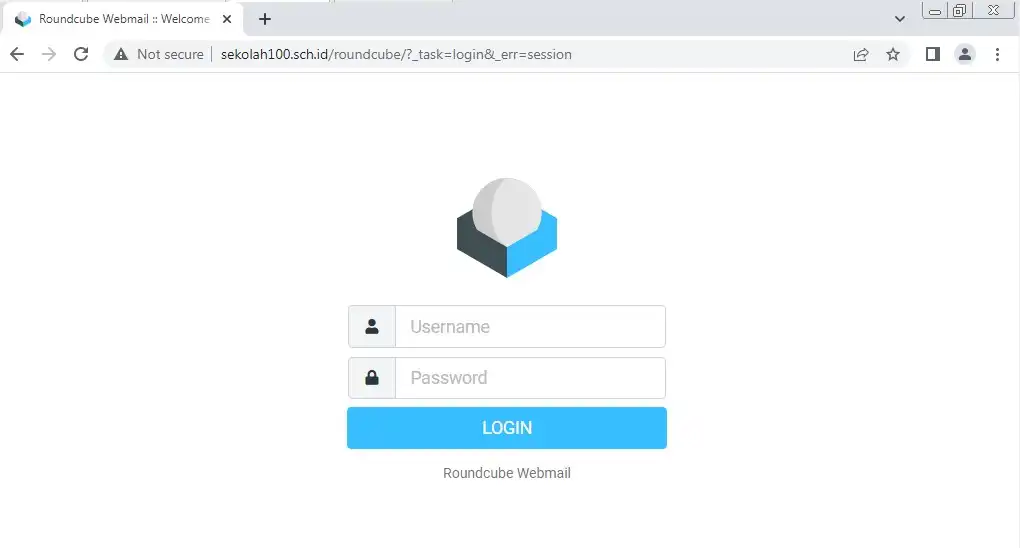
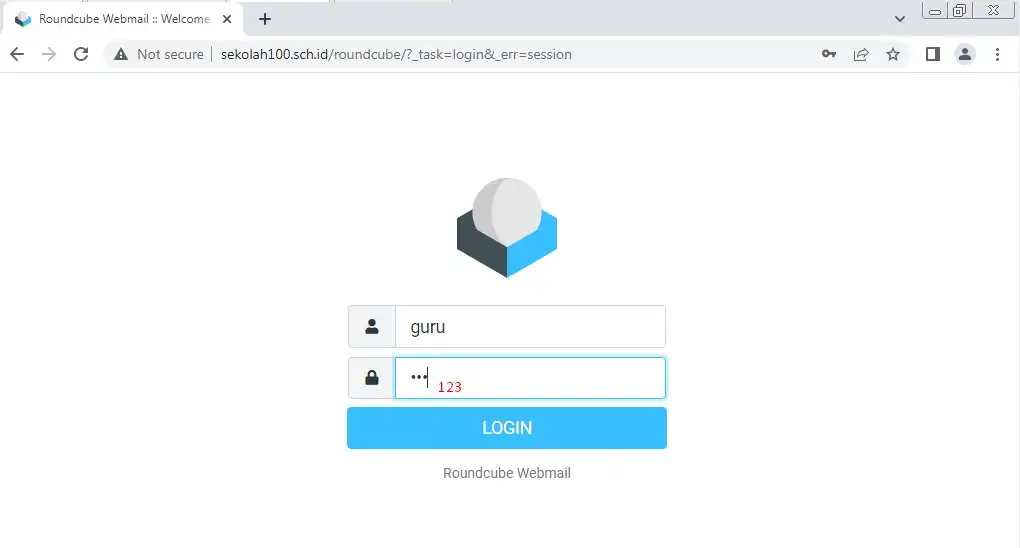
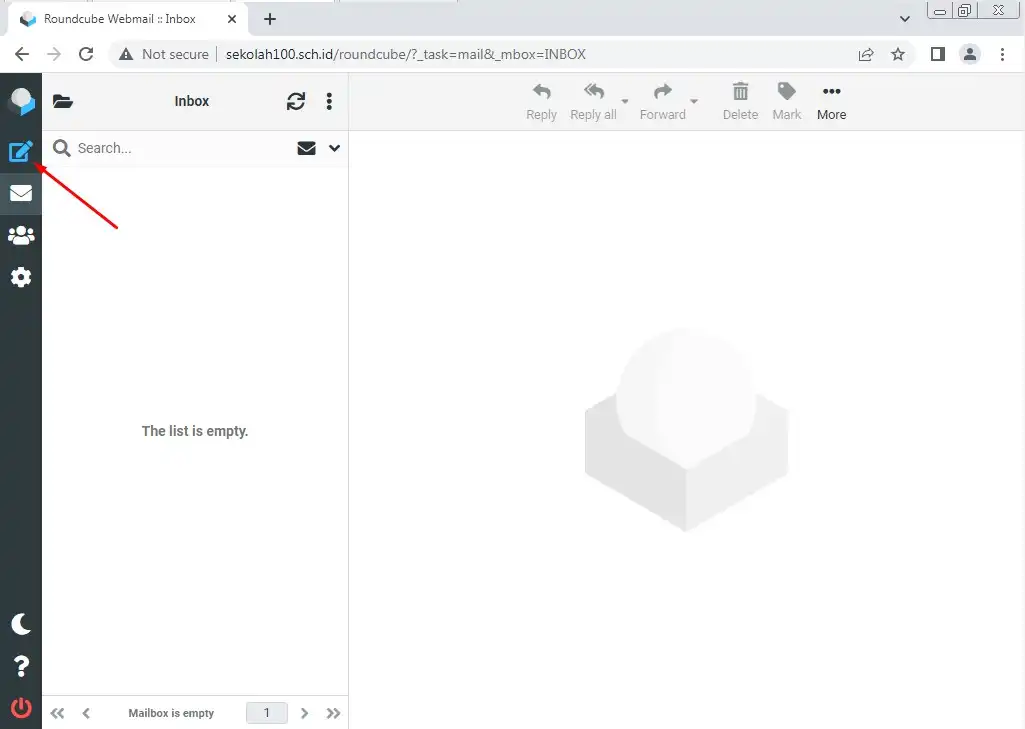
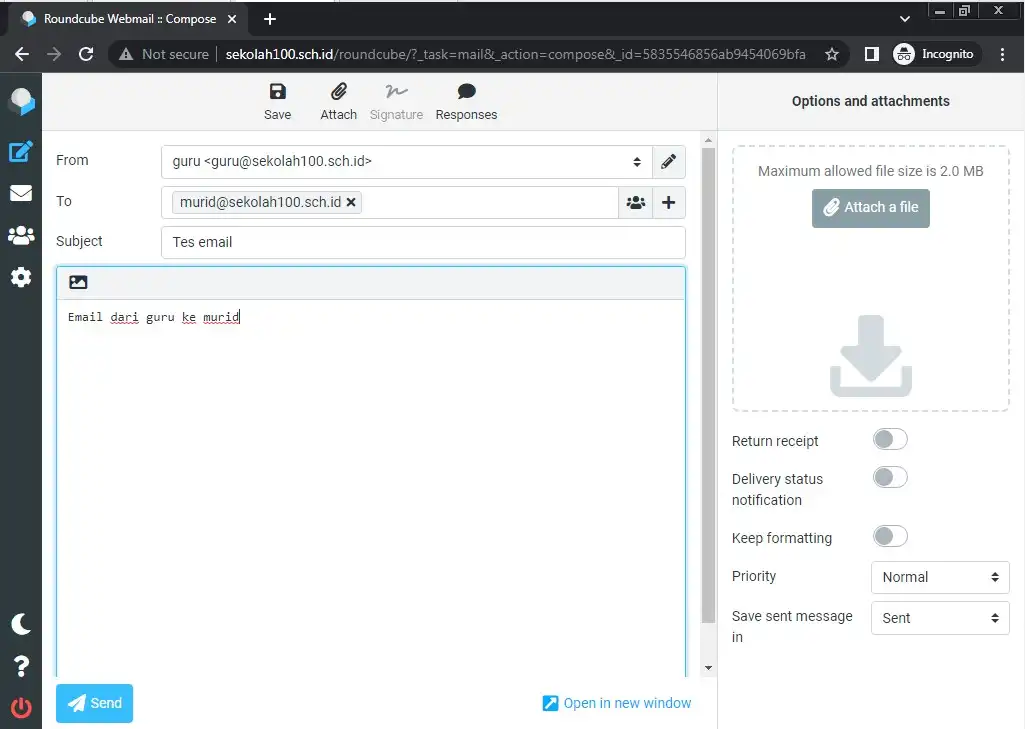
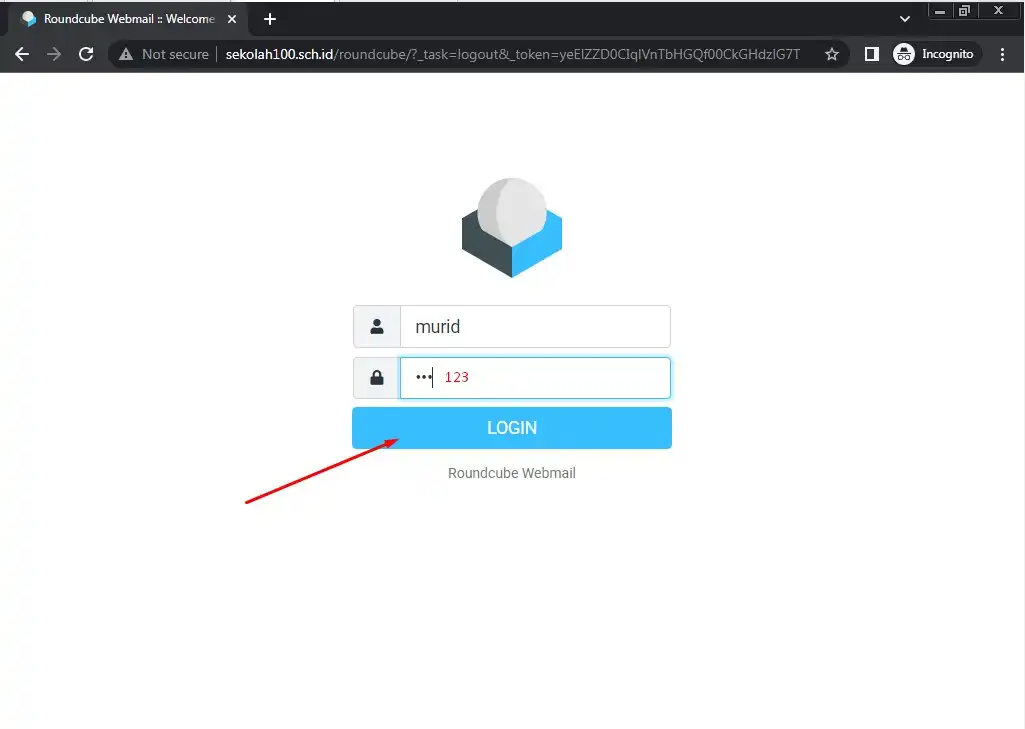
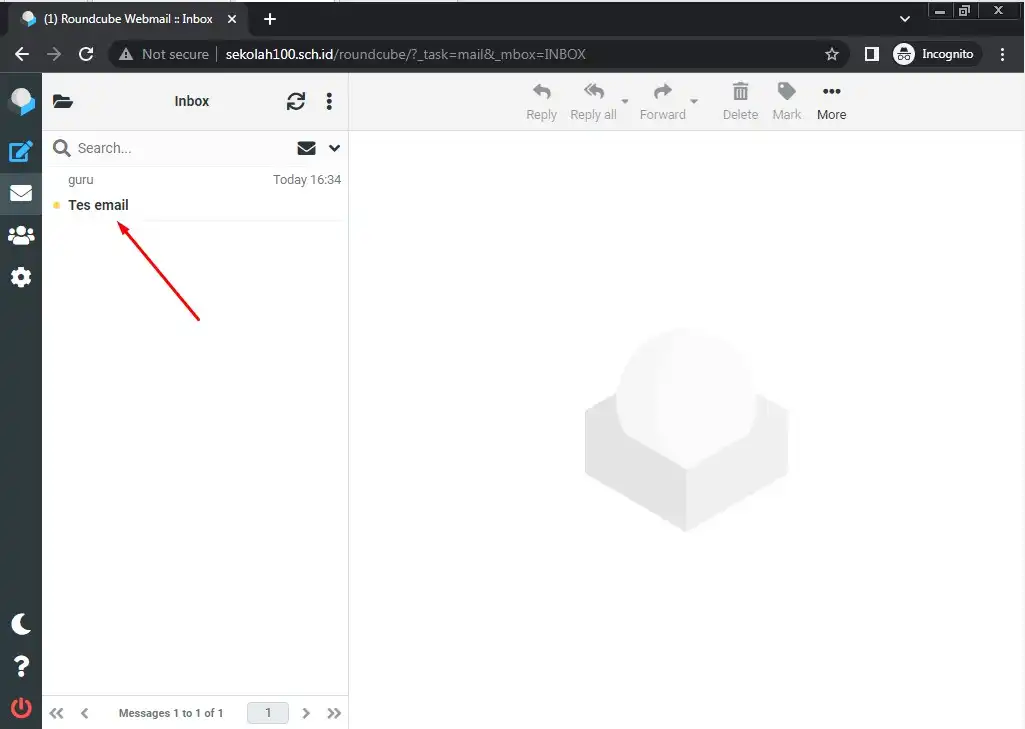
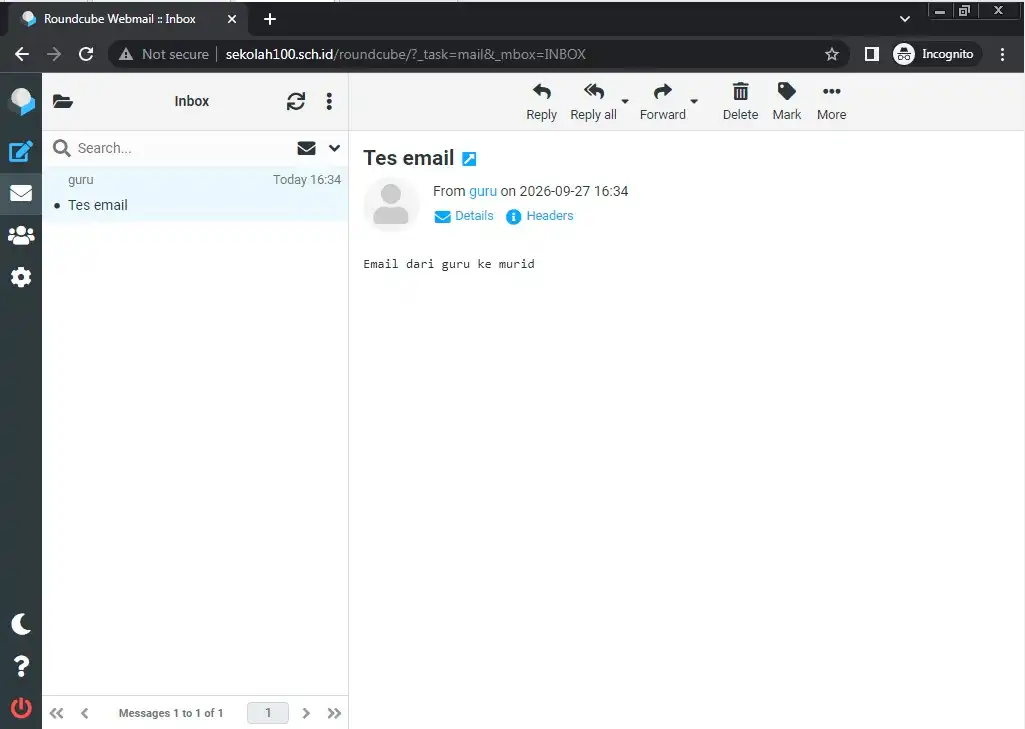
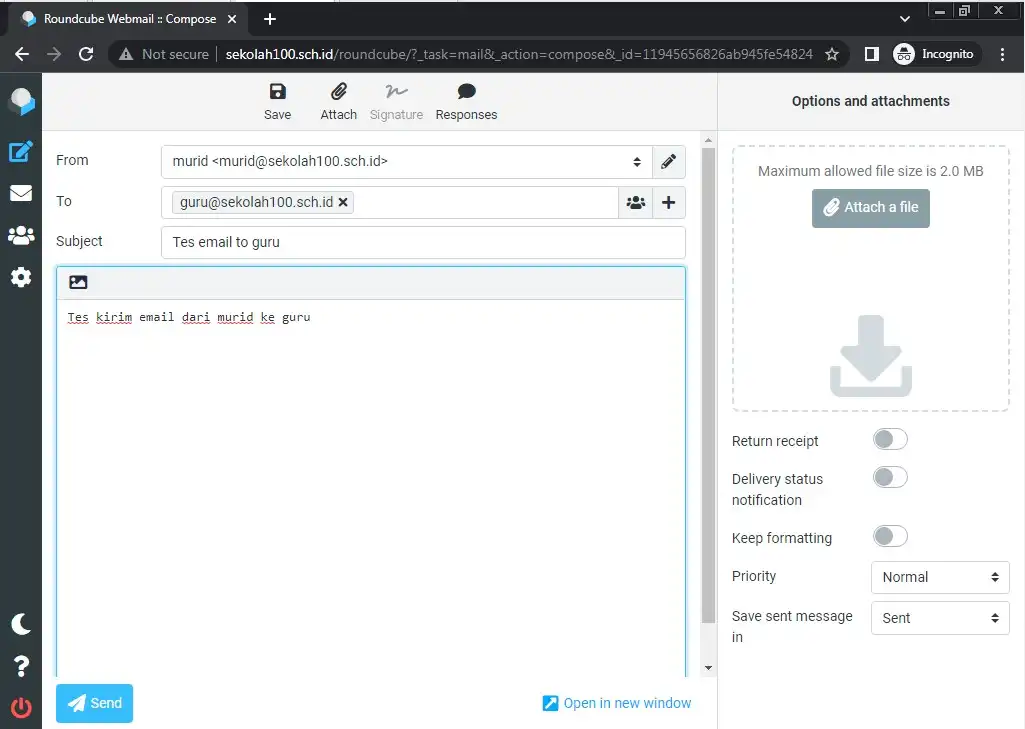
Langkah 10: Pengujian